Image Analysis Tool for Law Enforcement & Digital Forensics Teams
Search Images with Case-Specific Keywords and Validate Findings
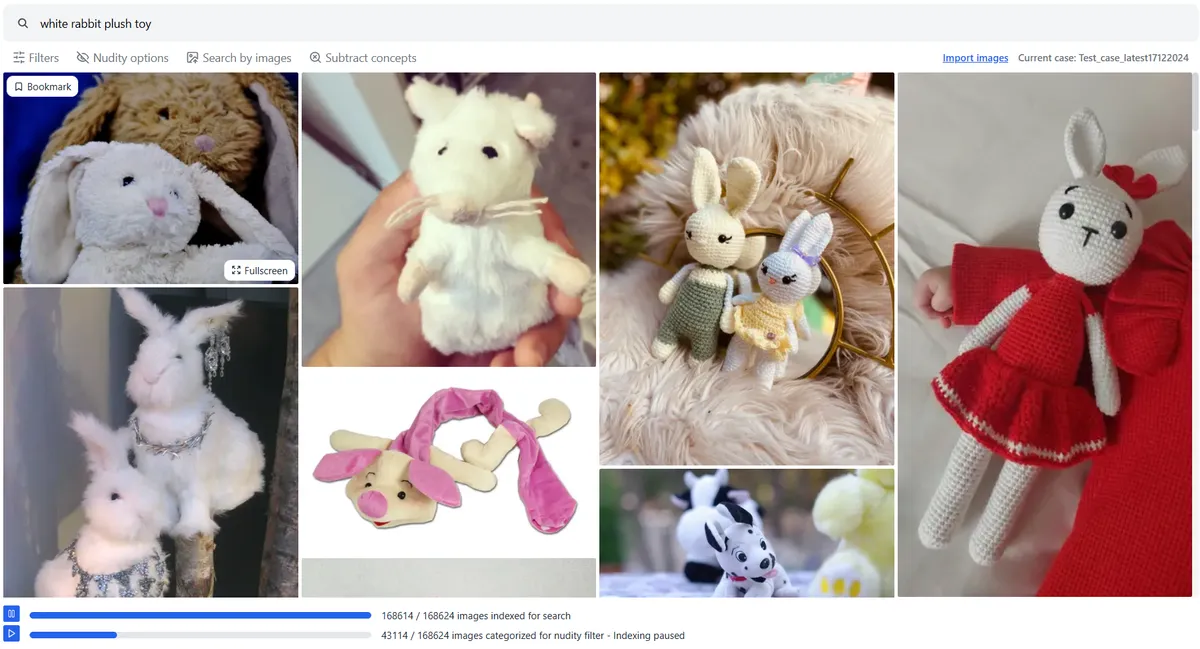
Search images using a few image examples or phrases like "child wearing red shirt"
✅ Fully offline
✅ Runs on standard laptops
Works Fully Offline
No internet connection needed. All image processing and searches happen locally. Safe for air-gapped systems and sensitive investigations
Customize AI Categorization
Guide the AI using example images or specific phrases from your case. Works even when content doesn't match standard categories
Integrates with Your Workflow
Lightweight and easy to run alongside your existing tools. Just point it to image folders and start processing and searching
Runs on a Standard Laptop
Fully tested on Windows 10 and 11. No GPU required. Works smoothly on mid-range laptops
The Problem
The Right Clue Might Be Outside the Usual Patterns
Most teams use some of these three common methods, each with practical limits that affect investigation speed or thoroughness
Method 1: Traditional Hash Matching
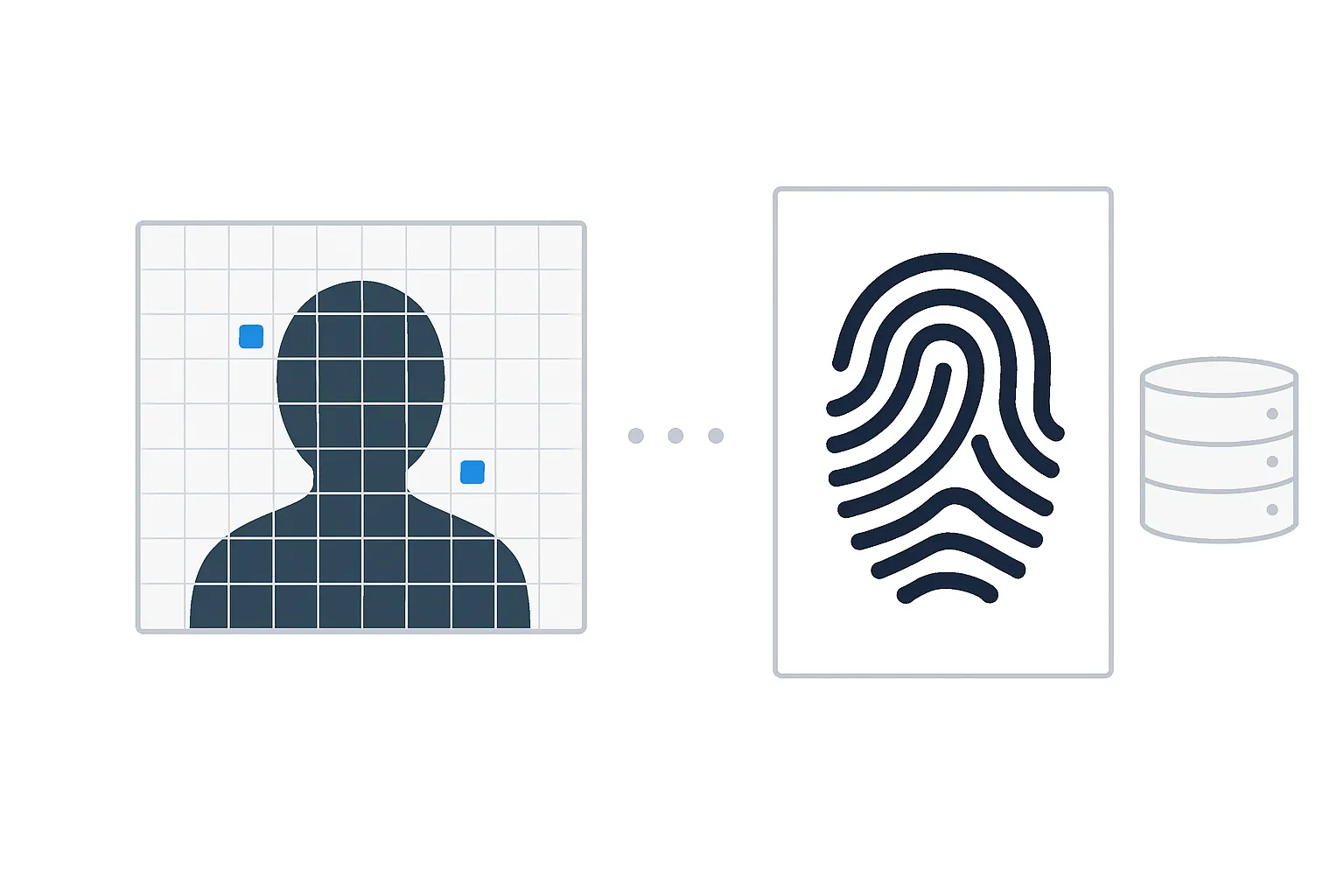
- Very fast for images found in the hash set
- Highly accurate for known files
- Does not find new, altered, or unknown images
- Search speed slows when testing multiple leads or theories
Method 2: Image Categorization

- Can quickly categorize images by type (CSAM, car, person, weapons, etc.)
- Helps prioritize what to review first
- Usually runs on standard hardware without needing expensive or specialized setups
- Still can be a lot of images to search through, because of many false positives
Method 3: Search image by its content

- Can search images precisely within context of the case (keyword/semantic search/similarity search)
- Works well when AI model recognizes each concept of an image, even if combined in new, unusual ways
- Can fail to detect specific concept in image (false negative) if searching for something AI wasn't trained on.
- Often slow if too many images to process, needs expensive hardware or images need to be uploaded to the cloud
How It Works
Here's How Our Tool Helps You Spot What Doesn't Fit the Pattern
Find rare, odd, or easy-to-miss images fast, just by describing them. Search by text, images, or both
Search All Your Images with Precise Phrases
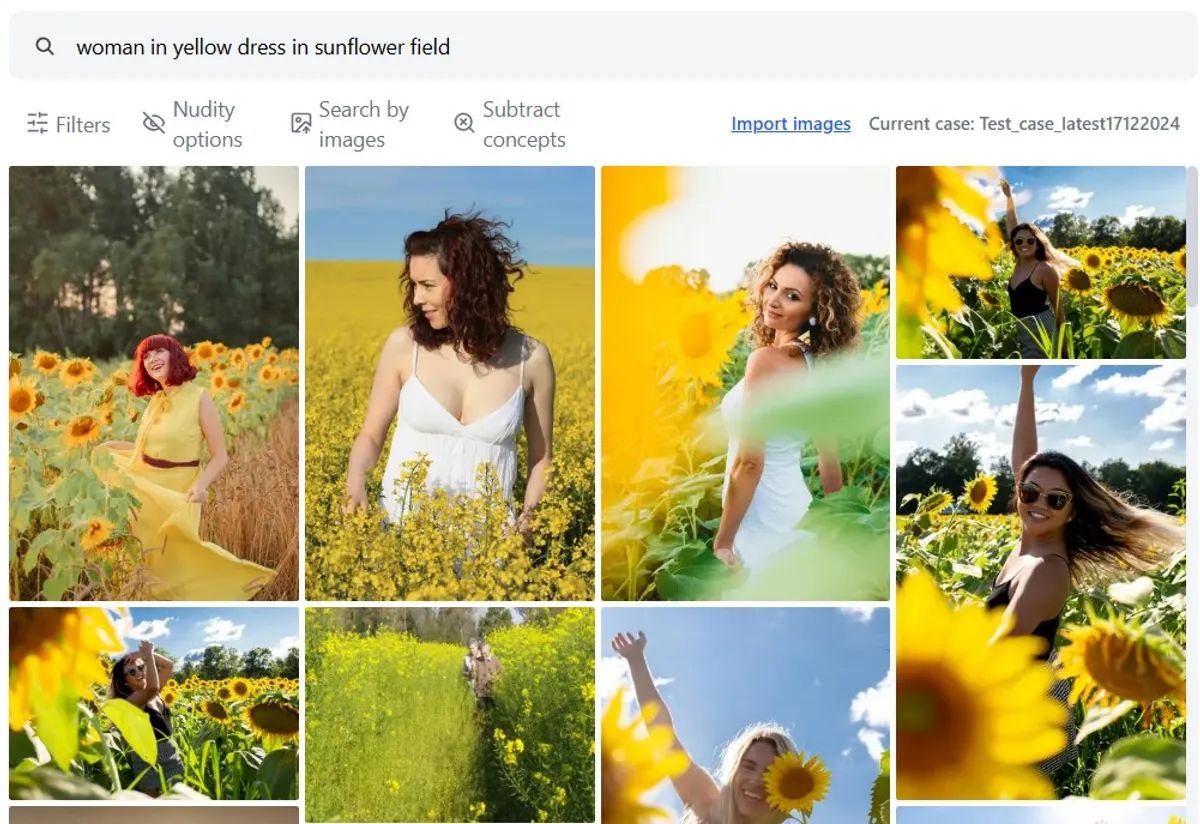
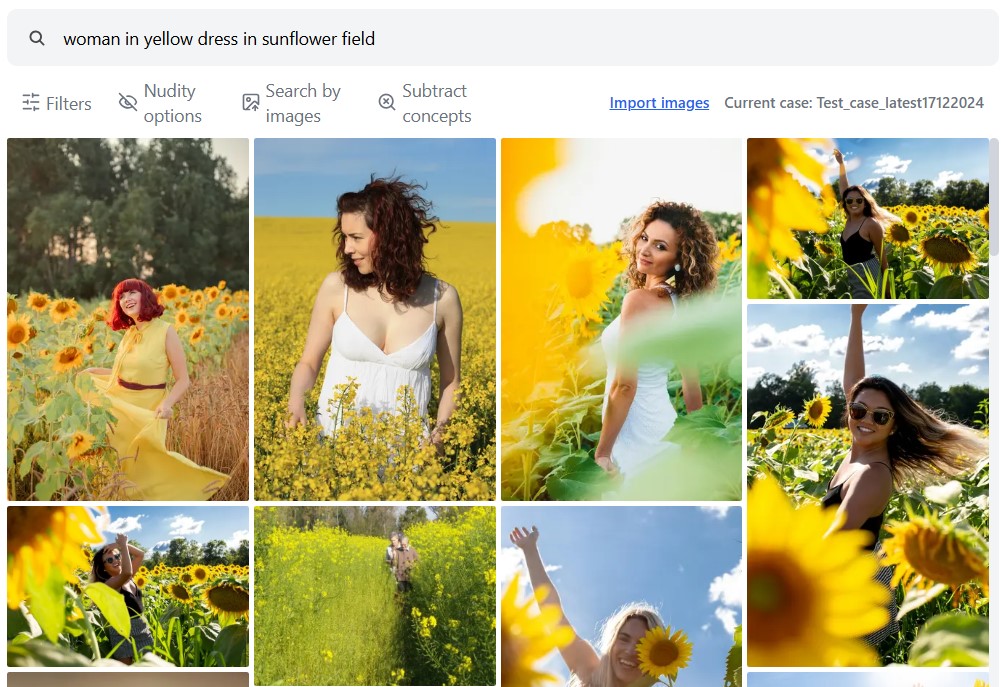
Type in clear descriptions like "child wearing a red shirt inside a car" to search your case files.
- Search based on your case context using natural language
- Find images beyond pre-defined image categories
- Detects multiple elements within one scene
Use Example Images with Text for Flexible Searches
Combine visual examples with any phrase to search in a way that is relevant to your case. You can also leave out certain terms to narrow your results.
- Find similar images by providing example images
- Combine image with text based search to narrow down searches
- Subtract concepts by using text to filter out false positives
Validate Findings and Test Alternative Leads
Quickly search over 200,000 images (or more) per case without slowing down. After loading your case (or even while loading), you can easily explore leads and confirm findings fast.
- Fast indexing (image processing) with CPU only
- Search in real time and get search results instantly
Join our waitlist for early access and try the tool free for 14 days.
Seamless Integration with your existing workflow
No lost progress during indexing or processing, and no RAM issues. See requirements for more details
- Easily import image folders processed by other tools without starting from scratch
- Fully offline
- Runs on Windows 10/11
- No GPU required
- Lightweight and optimized for standard laptops
- Indexing and searching over 200,000 images per case
Individual Plans
For solo investigators who need full offline access on a single device. Monthly or yearly license options.
14 Days
Free TrialNo credit card required
- 1 Hardware-locked license
- All the features
- Basic customer support
Monthly Subscription
€ 40Cancel anytime
- 1 Hardware-locked license
- All the features
- Priority customer support
120€ Discount
1 Year License
€ 3603 months free
- 1 Hardware-locked license
- All the features
- Priority Customer Support
- Roadmap influence
Team & Enterprise Plans
For agencies needing multi-user access. Dongle, multi-seat, and network licenses not yet available.
Perpetual License
-Not yet available
- Dongle based license
- All the features
- Priority Customer Support
- Roadmap influence
Multi-seat license
-Not yet available
- Multiple hardware-locked devices
- All the features
- Priority customer support
- Roadmap influence
Network license
-Not yet available
- Floating licenses for shared access
- All the features
- Priority customer support
- Roadmap influence
Frequently Asked Questions
Tool Limitations
Will the tool always find exactly what I'm looking for?
Not always. For example, if you search something specific the AI (machine learning model) has not been trained with it may not rank those images highest because it wasn't trained on that exact combination of text image pairs (false negative).
But it will still recognize parts or concepts of the image that is general to every image object (like colors, texture, materials, etc.)
You can use more detailed descriptions or use example images for better results.
Combining both works best.
How does the tool handle false positives?
False positives happen when images look similar but aren't what you need. To reduce them, you can use:
- Text search for what you want
- Subtract concepts to filter out unwanted matches
- Search by image using example images
The tool combines all three and pushes irrelevant results lower. For example, if you search for "handgun" but keep getting rifle images, subtract "rifle" to filter them out.
Using search, subtract, and example images together gives you more focused results with fewer false positives.
Will it work with sensitive image content?
No. This is an offline tool that uses an AI model trained only on legally sourced public domain images.
It was not trained on any private, confidential, or sensitive image content. It does not automatically detect or classify such material.
Investigators must supply their own example images or descriptions. The tool then compares those inputs to find visually or textually similar items.
It is meant to support manual review, not perform automated or autonomous detection.
File Support & Functionality
What image formats does the tool support?
The tool supports over 200 image formats including:
JPEG, PNG, GIF, TIFF, BMP, WebP, HEIC, SVG, AVIF, ICO, JPEG 2000, JPEG XL, TGA, PPM, PGM, PFM, HDR, OpenEXR, FITS, DPX, CIN, XBM, XPM, WBMP, CR2, NEF, ARW, DNG, PSD, PSB, PCX, WMF, EMF
If a file format is not supported, the tool will alert you and log which files were not processed.
For questions about specific formats, contact us.
Can the tool process images from .dd or other forensic disk images?
The tool does not parse .dd images directly. You'll need to extract files from forensic images using your usual workflow, then point the tool to the extracted images (folder).
Does the app support videos?
No. The current version supports images only. Support for videos will be added later.
Can it find text in images (OCR)?
Not currently. OCR functionality will be added later.
Does it support audio search (audio transcription)?
Not currently. Audio transcription and search will be added later.
Does the tool support facial recognition?
No. Facial recognition is not supported.
Can the AI be retrained or fine-tuned?
No. The AI (machine learning model) is pre-trained to generalize well across diverse content. It is not user-trainable as of now.
Can it export images?
Yes. You can export bookmarked images as part of your workflow if needed for reporting or follow-up.
Performance & Setup
Does the tool require an internet connection?
No. It runs fully offline.
All case data processing happens locally, and no case data is uploaded or sent anywhere.
However, an internet connection may be required once for initial license activation, depending on the license type.
How many images can the tool handle?
It was designed and tested to handle 200,000+ images per case on a standard laptop. With better hardware, it can support larger case data.
Do I need to re-index for every search?
No. Once a folder or dataset is indexed, you can perform multiple searches without reprocessing.
Is the tool reliable for large case folders or long processing sessions?
Yes, the tool is built to be stable, even with large case folders and long sessions. It doesn't try to load everything into memory at once. Instead, it saves progress often as it works, using your SSD or NVMe drive for fast storage.
This means:
- You won't lose hours of progress if something goes wrong
- You can safely pause or stop and continue later
- It runs smoothly even on mid-range laptops, not just high-end workstations
- The design focuses on practical, real-world use which helps you work reliably, even under pressure.
Can I use it alongside other tools in my workflow?
Yes. The tool is designed to complement, not replace, your existing process. You can run it alongside other forensic tools for cross-checking or deeper review.
Is this a triage tool?
No. It's not intended for live device triage. It’s best suited for reviewing and validating extracted images during case analysis.